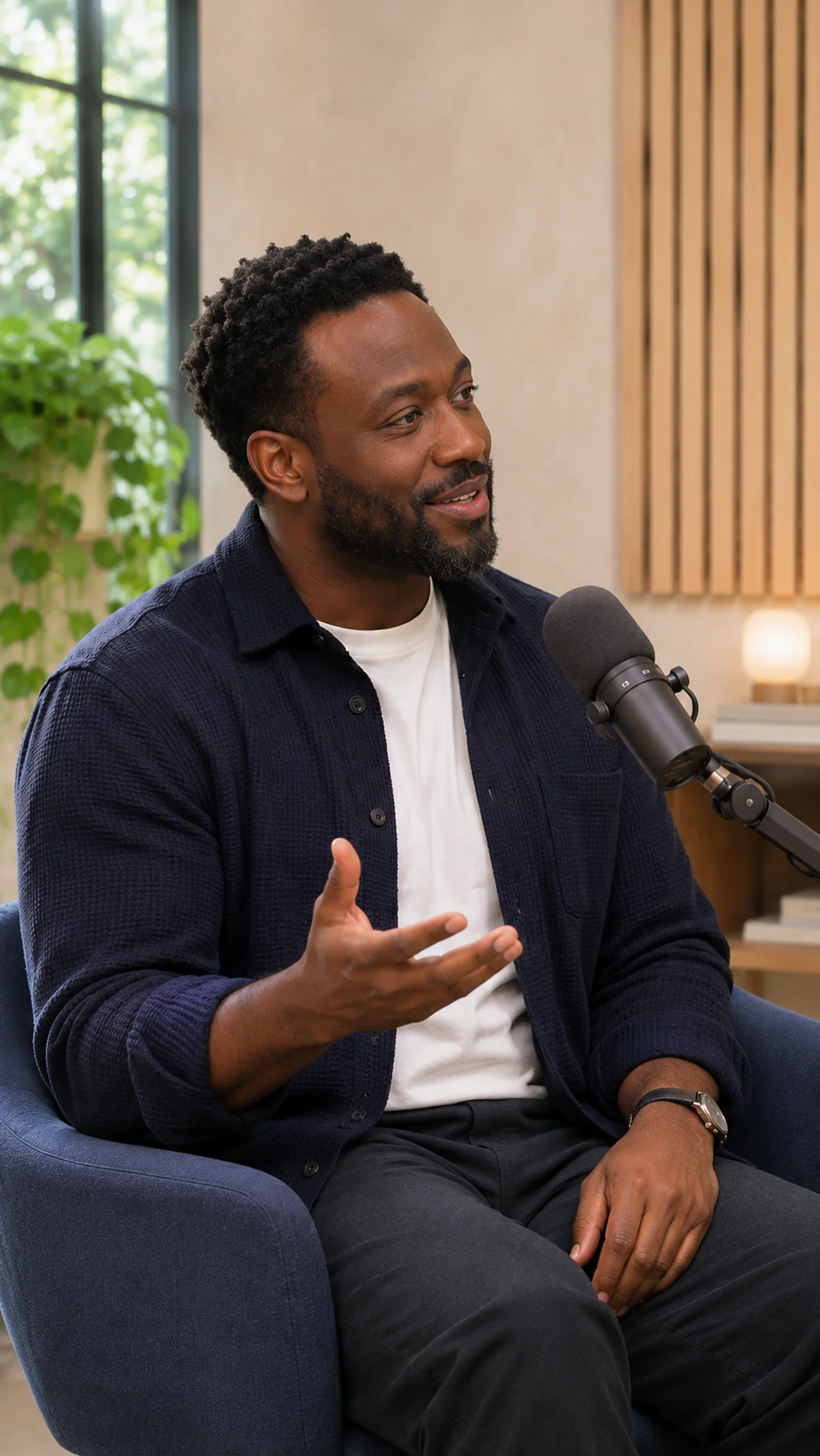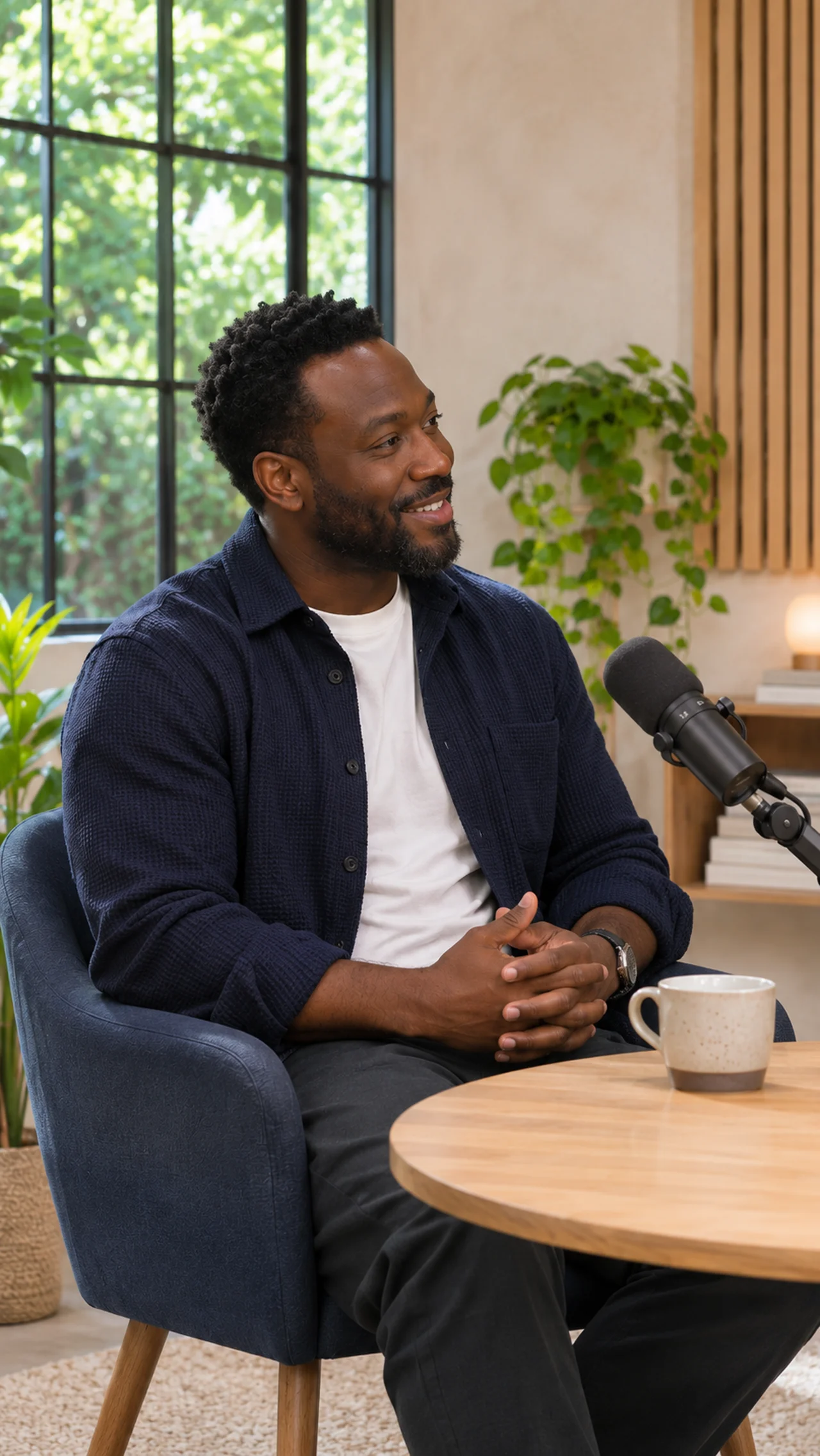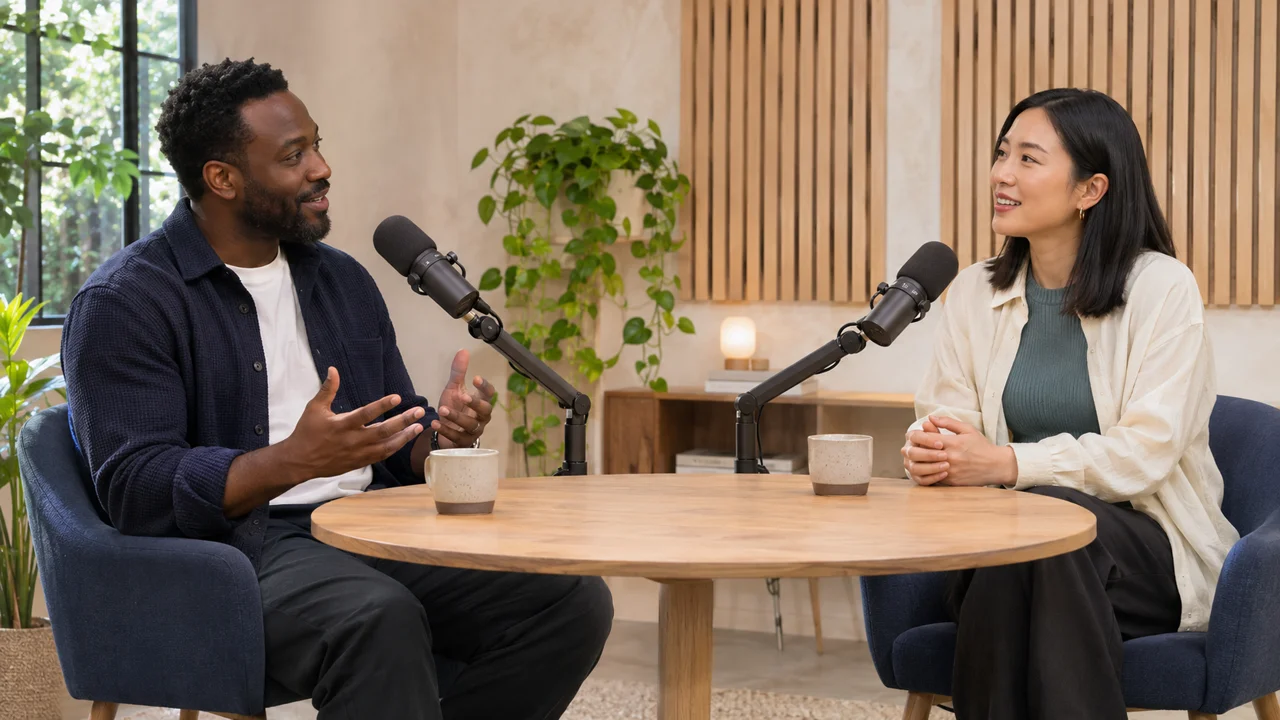
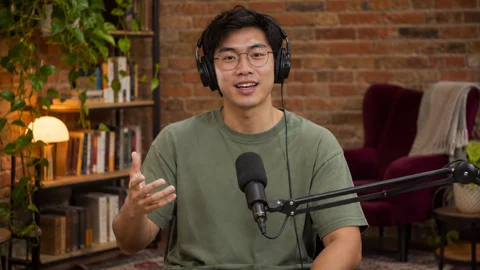




RAW
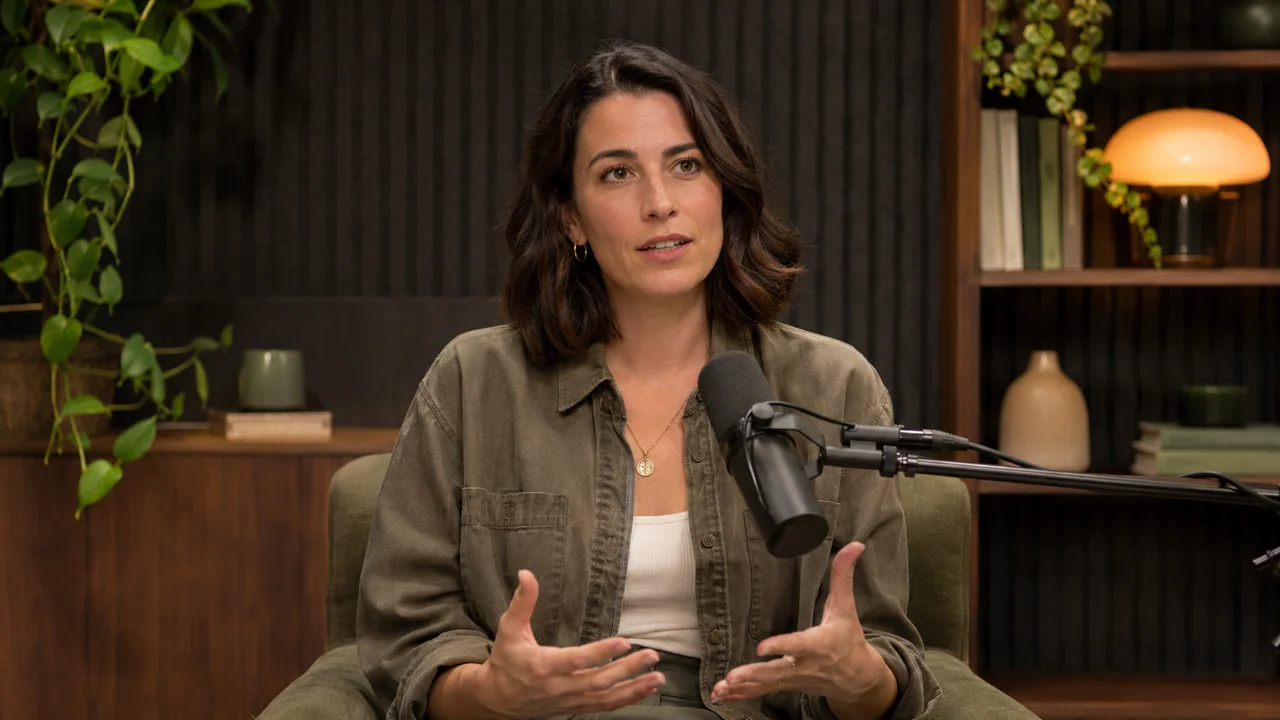
FINISHED YOUR LOGO
Founder PodcastEpisode 14
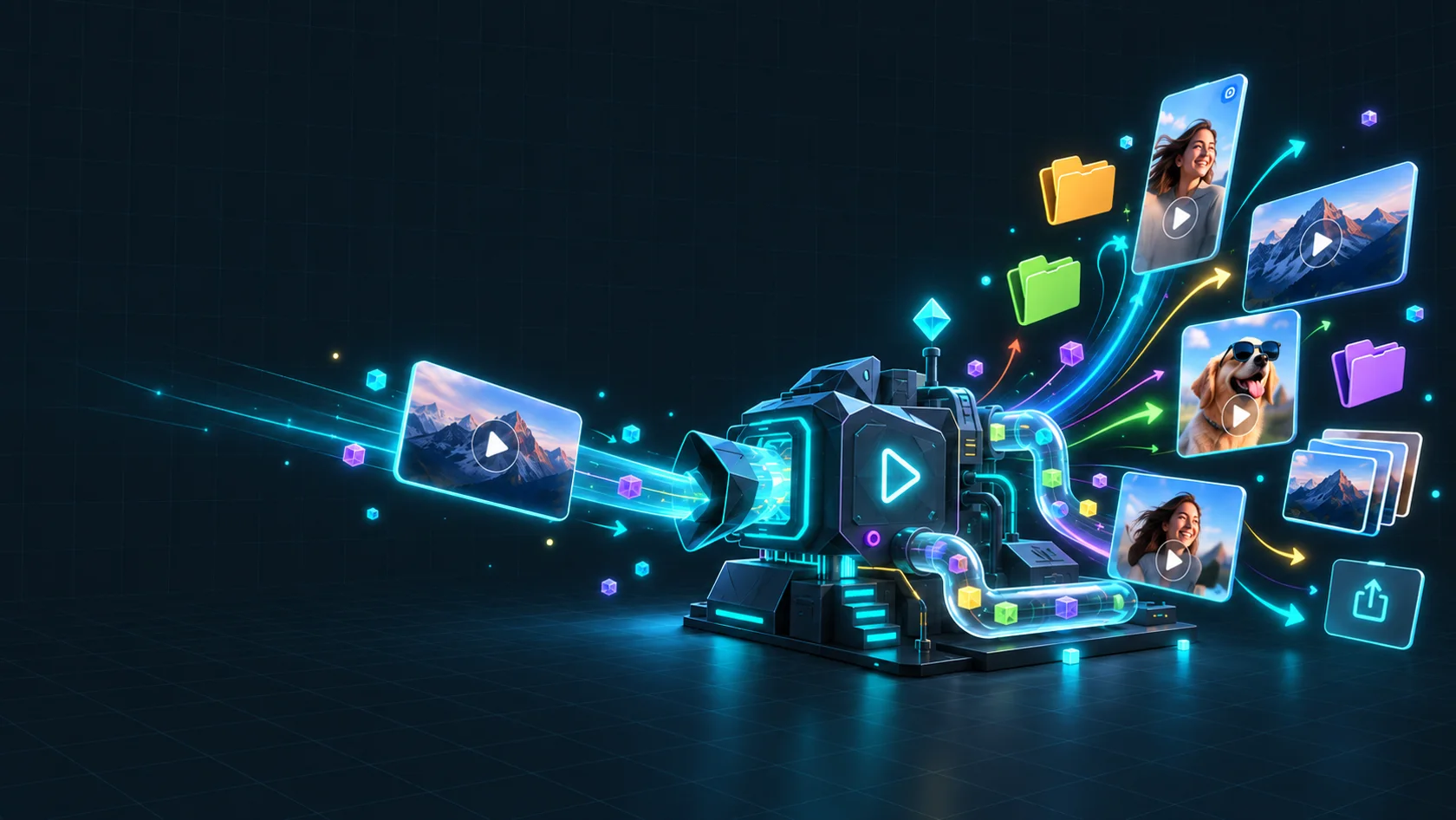
Extract highlights, add your branding, and caption your clips. Set it up once. We’ll handle the batch.
€1 of free processing. No account. No card.
Watch the demo 1 min 11 sHow it works
Intro, captions, logo, outro. Six times, by hand. Here you set the steps once and every clip in the batch goes through them.
Upload your clips, choose intro, captions, logo and outro settings once, then download the finished batch.
Jobs
Combine the steps you need, then save your settings for next time.

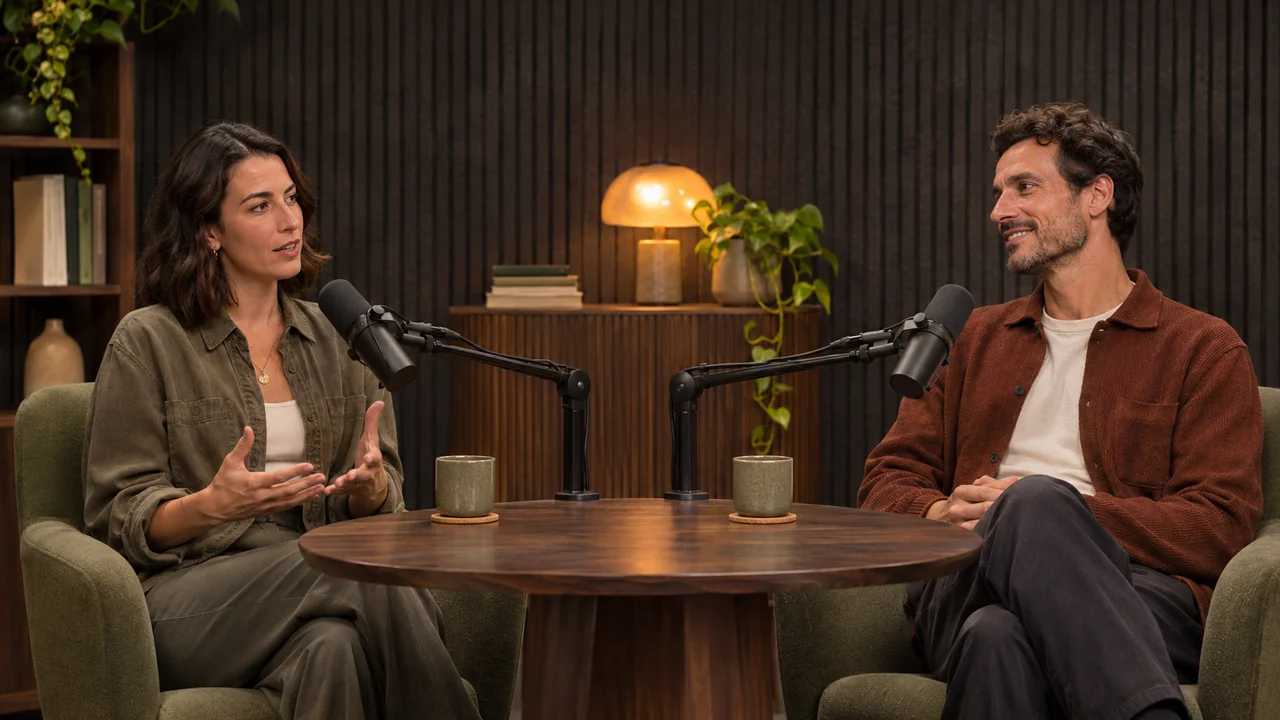
Join ordered clips into one video.
Choose a crop on a reference clip. Apply it to clips with matching dimensions.
Blur a fixed rectangle or circle with adjustable intensity. Matching dimensions only.
Rotate by 90°, 180° or 270°, or flip horizontally or vertically.
Slow down or speed up your clips while preserving audio pitch.
Start every clip with your own video or image, with an optional blur transition.
End every clip with your own video or image, with an optional blur transition.
Create a version for each aspect ratio, with cropping, blurred padding or a solid background.
Place your logo on every clip. Set its size, position and opacity once.
Turn speech into captions burned into the video, a separate SRT file, or both.
Keep a preset length or a custom time range, optionally starting after the first silence.
Export as MP4, WebM or MOV, or create a short GIF.
Keep the original sound, normalise loudness across clips, or remove audio.
Export stills, a storyboard for each clip, or a contact sheet of the batch.
Set the output quality, resolution cap and frame rate.
Choose file names and folders, download a ZIP, and optionally get an email when it is ready.
Highlight extractor
Drop an interview, webinar, talk or podcast, up to 3 hours. We suggest the moments worth a clip. You review each one and cut the ones you keep.
Extract highlights nowIt works from speech, so it suits talk more than action, and its suggestions are a starting point, not a finished edit. €0.36 to €1.44 per recording, by its length. Up to 30 cuts per source, each up to three minutes.
Watch the Highlight Extractor demoDrop a long recording, review the suggested moments, then cut and edit the clips you keep.
Pricing
€0.35 per GB processed. €0.01 per minute of new transcription. No subscription.
Enter the size of one source file. A GB is 1,000 MB. Longer recordings up to three hours are supported.
€6.41
Processing €6.41 · Transcription €0.00
Add €10.00 and this batch leaves €3.59. Top-ups start at €10.
12.00 GB input + 6.29 GB estimated output. This is the amount used from your balance.
Assumes 1080p landscape sources and web-quality outputs. All audio is new to transcribe; cached transcripts cost nothing to reuse. Output sizes vary with resolution, quality, duration and number of formats. Upload your files to get a fixed quote before you run.
Never expires. Same rates at every amount.
Try up to 3 clips. No account or card needed.
€0.50 minimum per video batch. The input and exported files both count; subtitle-only exports pay only for new transcription.
Source files plus planned output files count toward video processing. Adding a logo or changing caption style has no separate fee. Extra formats add their output size.
New transcription is charged only for audio that needs transcribing, in the selected language. Reuse the transcript across previews and exports while your files are stored.
Preview captions as an overlay: the first 30 seconds on up to three source clips are free. Full transcript preparation shows its price first and counts toward your next export’s minimum.
You see the full quote before starting. It is your maximum charge. Failed clips are not charged.
Finished clips stay available for 48 hours after processing. Originals are kept for 48 hours after upload. By default, each completed run keeps its originals for another 48 hours.
To remove originals after processing, turn off “Keep the originals” in Name & deliver. Shared files stay if another run still needs or keeps them. Saved logos, fonts, and intro/outro files stay until you delete them. See our privacy policy for backup retention.
The captions step is skipped and its transcription charge is released from the quote. The other steps still run. The clip is marked “Done with note”, and its final charge and any refund appear in the run.
6 GB and 180 minutes per clip. A long recording for the Highlight extractor can be up to 3 hours. Larger files are listed as “Failed” before the run starts and are not charged.
Workflow
Watch a full batch go from drop to download.
€1 of free processing. No account. No card.